
Trakstar Academy for Admins
Welcome to Trakstar Learn!
Getting started as a new Administrator can feel overwhelming, but we're here to help. Trakstar Academy offers a variety of self-paced training courses designed specifically for administrators, helping you learn the platform and become productive quickly.
You can access Trakstar Academy to browse and enroll in available courses.
If you have questions or need additional guidance, our team is happy to help. Contact us at learn@trakstar.com.
How to Access Trakstar Academy
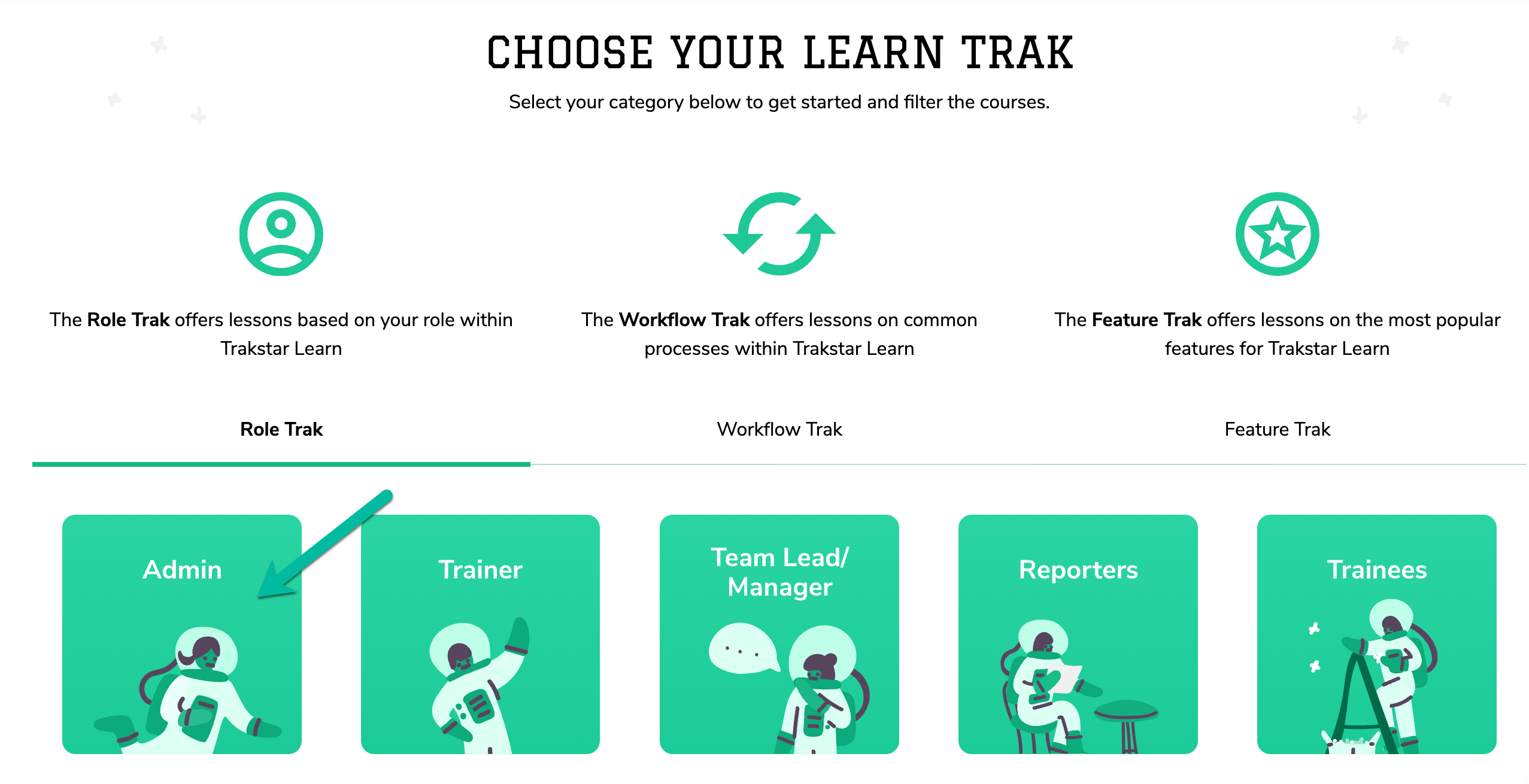
- Open the Trakstar Academy page.
- Select the course you'd like to take.
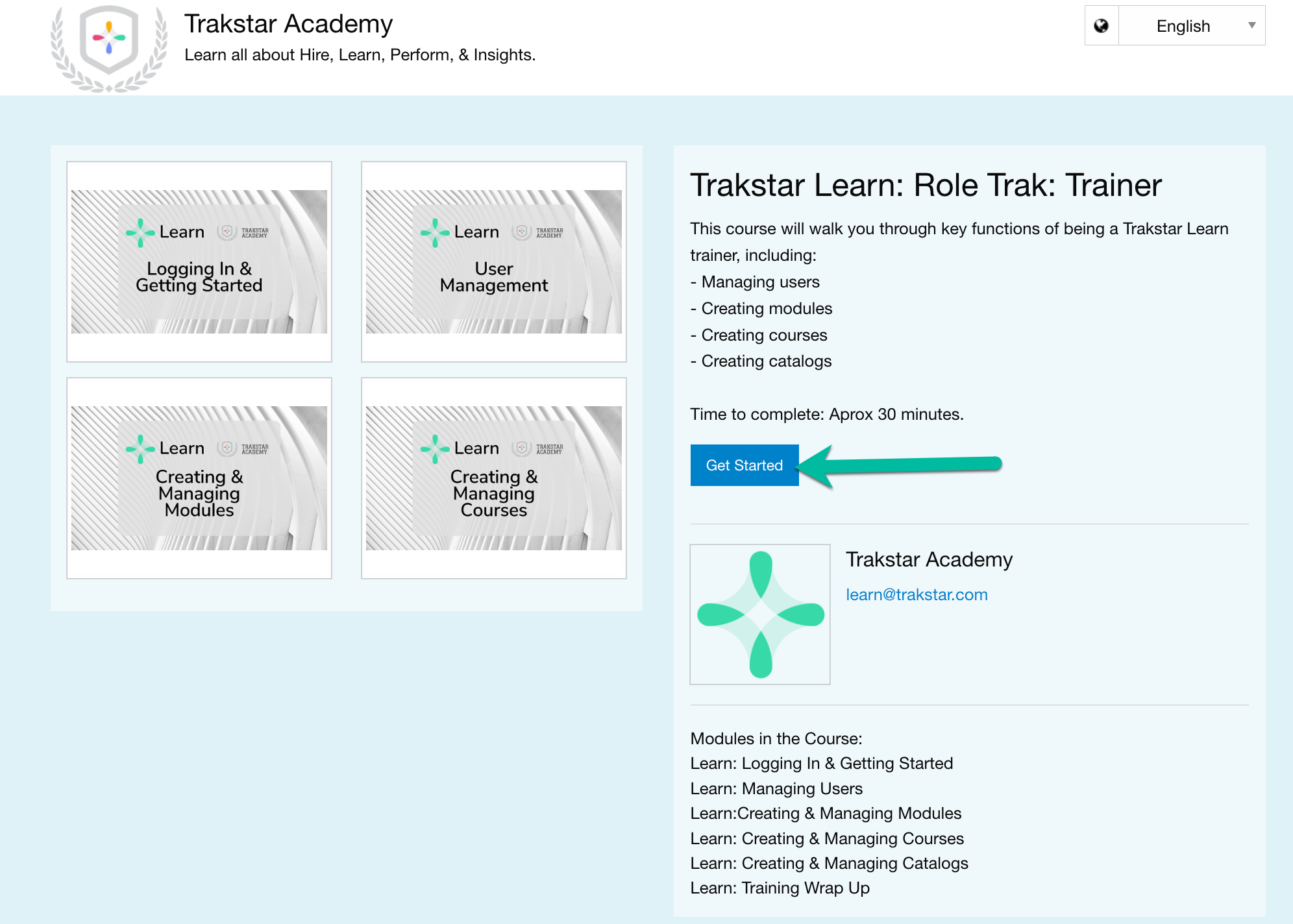
Select Get Started to launch the course.
- You will be redirected to the Trakstar Academy Learn site, where you'll need to create an account.
Important: Your Trakstar Academy account is separate from your Trakstar Learn, Hire, or Perform account. You must register or sign in using a Trakstar Academy-specific account.
Returning Users
If you've previously completed Trakstar Academy courses:
- Select Already have an account? Log in.
- Sign in with your existing Trakstar Academy credentials.
If you don't remember your password, select Forgot password? to reset it.
Troubleshooting
If you don't have a Trakstar Academy account but continue to be redirected to the login page instead of the registration page, try opening Trakstar Academy in a private or incognito browser window.
If you're still unable to access Trakstar Academy, contact our team at learn@trakstar.com for assistance.