
Using Articulate Rise with Learn
Trakstar Learn supports Articulate Rise in addition to Adobe Captivate and Articulate Storyline for creating SCORM-based eLearning content.
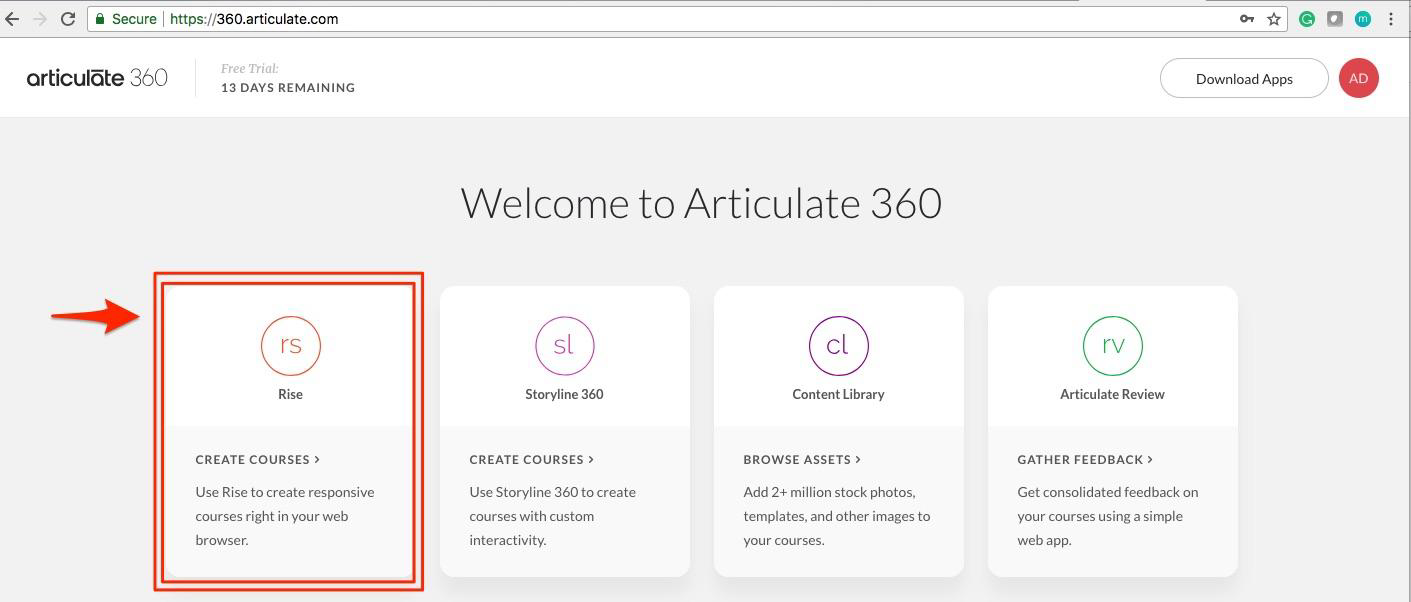
Articulate Rise is a web-based authoring tool included with the Articulate 360 suite. It allows you to create responsive, mobile-friendly courses that automatically adapt to different screen sizes without requiring additional configuration. Because Rise is browser-based, you can create and edit courses from either Windows or macOS without installing desktop software.
SCORM Support
When you need to track learner progress in Trakstar Learn, export your Rise course as an LMS package using the SCORM 1.2 format.
After exporting:
- The course is generated as a .zip file.
- Upload the .zip file to a Trakstar Learn module.
- Premium and Enterprise plans support SCORM 1.2 content created with Articulate Rise.
Export Your Rise Course
For detailed instructions on exporting a Rise course with the recommended SCORM settings, see the article:
Learn More About Articulate Rise
If you're new to Articulate Rise or want to learn more about creating courses, visit the official Articulate training resources and community forums for tutorials, best practices, and product support.
Need Additional Help?
If you have questions about using Articulate Rise with Trakstar Learn, contact Trakstar Learn Support.